
Every project team needs schedule data in Excel at some point. Reports, lookaheads, pivot tables, and ad hoc analysis all rely on a clean tabular view. The problem is that getting there can take hours of manual work and back and forth requests.
SPRINT changes that by producing a clean, structured Excel file from a schedule in seconds. It removes formatting headaches and makes high quality data available to anyone who needs it.
When exports are inconsistent, downstream work slows down. People spend time deleting extra header rows, fixing date formats, and reapplying the same column mappings. The result is slower insights and a higher chance of human error.
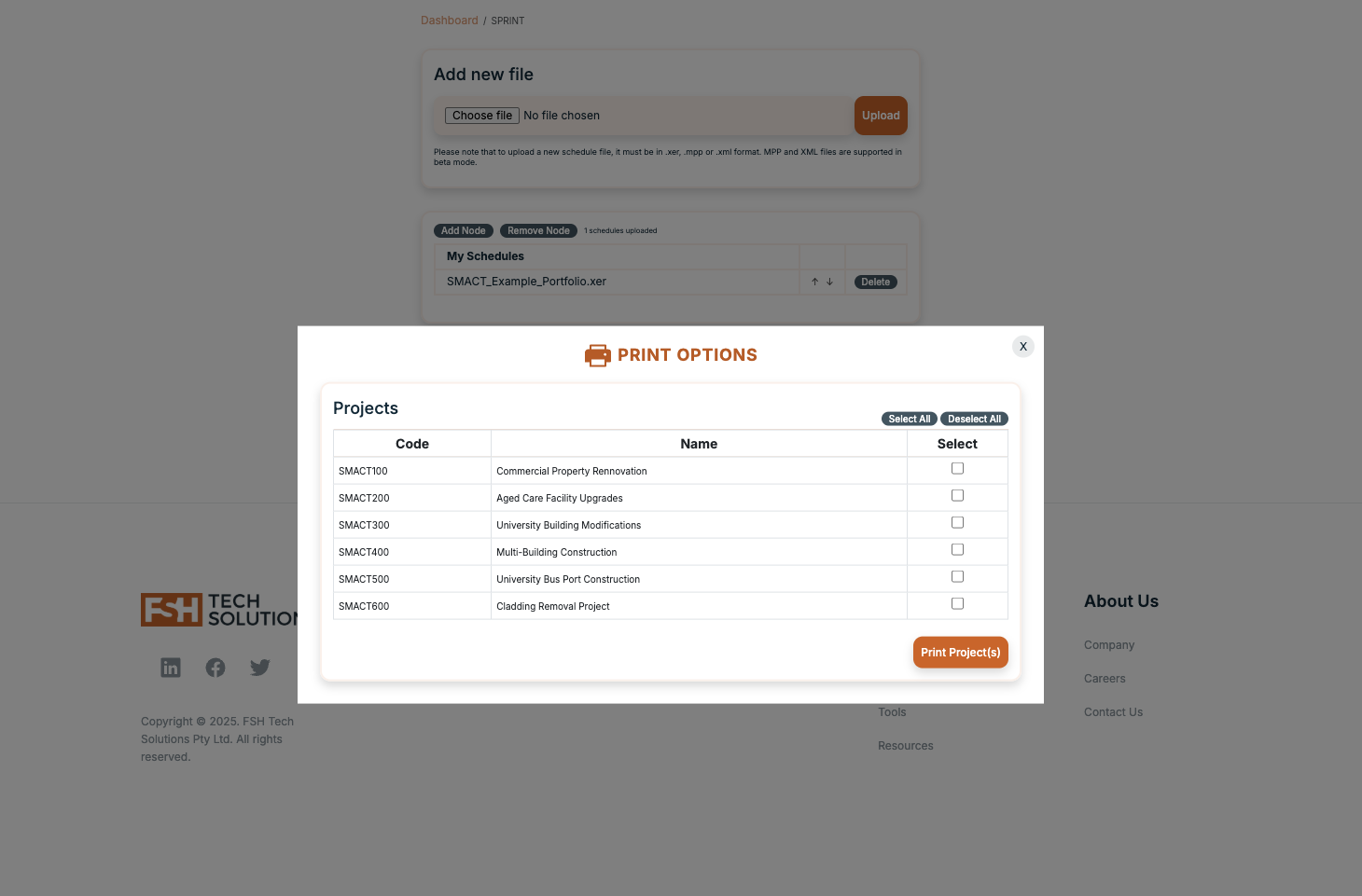
SPRINT delivers a ready to use Excel file in three steps.
The export preserves hierarchy, grouping, and readability so the data is useful the moment it lands in your Downloads folder.
"I can get the full schedule into Excel - formatted, structured, and ready to use - in seconds."
SPRINT creates consistency across teams, which pays off immediately in analytics and reporting.
Here are common ways teams use SPRINT during the week.
| Need | Old approach | With SPRINT |
|---|---|---|
| Standardised exports | Rebuild templates per project | One click consistent output |
| Speed to insight | Manual cleanup first | Analysis starts immediately |
| Team autonomy | Wait for a specialist | Anyone can export on demand |
SPRINT saves time for planners and unlocks faster decisions for the wider team. Clean data is the foundation for better reporting and less noise in every meeting.